HTTP mock server for simulating APIs with minimal setup — ideal for testing difficult to reproduce backend states.
Convention
There’s no need to write code for wiring up your mocks. Instead, a given directory is scanned for filenames following a convention similar to the URLs. For example, for /api/user/123, the filename could be:
my-mocks-dir/api/user/[id].GET.200.jsonQuick Start (Docker)
This will spin up Mockaton with the sample directories included in the repository mounted on the container.
git clone https://github.com/ericfortis/mockaton.git --depth 1
cd mockaton
make docker
Dashboard
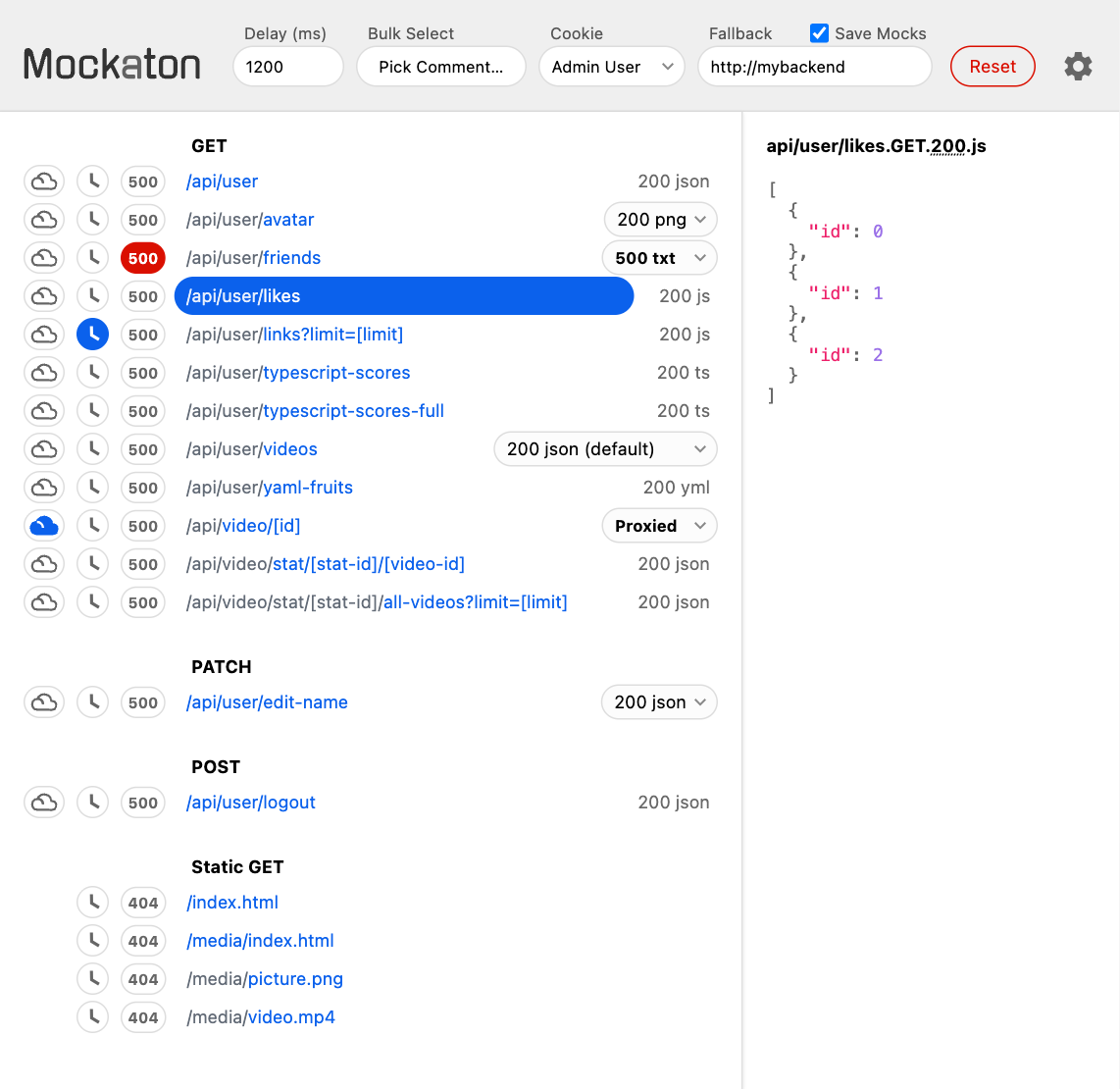
On the dashboard you can:
- Select a mock variant for a particular route
- Delay responses 🕓
-
Trigger an autogenerated
500error, and cycle it off (for testing retries)
Nonetheless, there’s a Programmatic API, which is handy for setting up tests.
Multiple Mock Variants
Each route can have different mocks. There are two options for doing that, and they can be combined.
Adding Comments to the Filename
Comments are anything within parentheses, including them.
api/login(locked out user).POST.423.json
api/login(invalid login attempt).POST.401.json
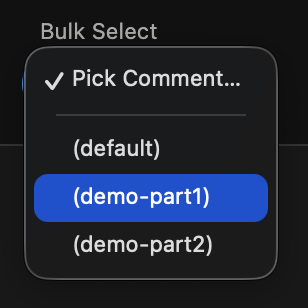
You can Bulk Select mocks by comments to simulate the complete states you want. For example:
Different Response Status Code
For instance, you can use a 4xx or 5xx
status code for triggering error responses, or a 2xx
such as 204 for testing empty collections.
api/videos.GET.204.empty # No Content
api/videos.GET.403.json  # Forbidden
api/videos.GET.500.txt   # Internal Server Error